
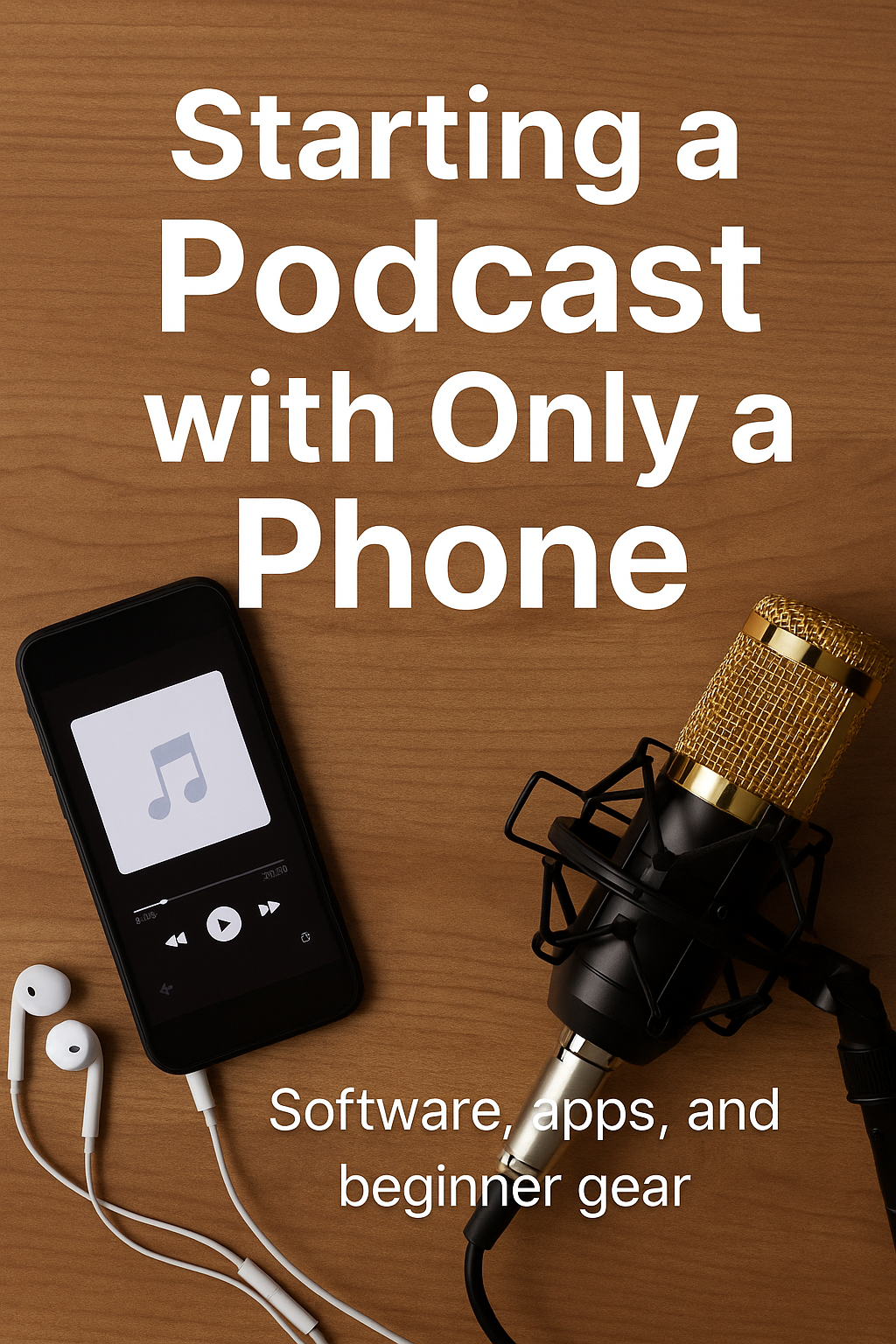
If you’ve ever thought about starting a podcast but felt held back because you don’t have fancy equipment, a professional studio, or a big budget — trust me, you don’t need any of that. When I launched my podcast, I didn’t even have a microphone at first. I literally started with just my phone.
In fact, one of our early episodes was recorded in a Wawa parking lot during a family vacation while my car was charging. That’s how flexible podcasting can be. If you have something to say, there’s always a way to hit “record.”
Here’s exactly how I built the “Sunday Surefire” podcast from nothing but a phone, a few apps, and eventually one low-cost microphone.
1. Signing Up for a Platform — Spotify for Podcasters
The first step was signing up for what is now Spotify for Podcasters. It’s free, simple, and you don’t need an LLC or a business setup to start.
What I love about it is that once you upload your episode, Spotify distributes it to the major platforms automatically — including:
- Spotify
- Apple Podcasts
- Google Podcasts
- Amazon Music
- And many more
No technical setup. No RSS headaches. Just upload and publish.
2. Recording Episodes — Using Zoom
Before investing in anything, we started recording our podcast episodes using Zoom.
Why Zoom works great for beginners:
- It’s free
- You can record audio and video
- Guest interviews are easy
- You receive downloadable files after each session
Even today, many podcasters still use Zoom because it’s simple and reliable.
3. Editing Audio — SoundLab (Mobile Editing)
You will make mistakes. You will pause. You will have awkward moments.
That’s why editing software matters — but you don’t need a laptop to do it.
The best mobile audio editing app I found is SoundLab.
- Intuitive to use
- Lets you cut, trim, adjust volume, remove noise
- Works directly from your phone
- Free version is good
- Paid version gives you more features later
I edited dozens of episodes right from bed using this app.
It’s beginner friendly and gets the job done.
4. Editing Video for YouTube — KineMaster
If you want your podcast on YouTube too — and you should, because YouTube is now a major podcast platform — then KineMaster is the perfect beginner app for phone-only editing.
KineMaster allows you to:
- Cut and splice video clips
- Add text overlays
- Insert photos or B-roll
- Adjust audio
- Export clean, polished video files
It’s surprisingly powerful, especially for anyone working on just a phone.
5. Hardware — The Only Thing I Bought Early On
I recorded several episodes before buying a microphone. But once I did, I picked something affordable, portable, and surprisingly good:
🎤 ZealSound Studio Recording Microphone
Small, USB-powered, beginner-friendly, and great for travel.
(I get a small commission if you choose these electronics)
I paired it with simple wired headphones because:
- They’re cheap
- Lightweight
- Great for mobile editing
- Easy to plug into a phone or laptop
A solid starter option is Skullcandy earbuds — under $10 and perfect for editing on the go.
I edited many episodes lying down in bed with those earbuds in. You really don’t need studio headphones to start.
Conclusion: You Can Start a Podcast Today — With Just Your Phone
Starting a podcast doesn’t require professional gear or a big budget. You only need:
- A phone
- A recording method (Zoom)
- Simple editing apps (SoundLab + KineMaster)
- And maybe one small microphone when you’re ready to upgrade
If I can record episodes in a Wawa parking lot on family vacation, then you can absolutely start a podcast from wherever you are.
Once you begin, you’ll improve naturally, upgrade equipment over time, and grow your voice episode by episode. Starting imperfectly is better than not starting at all.